
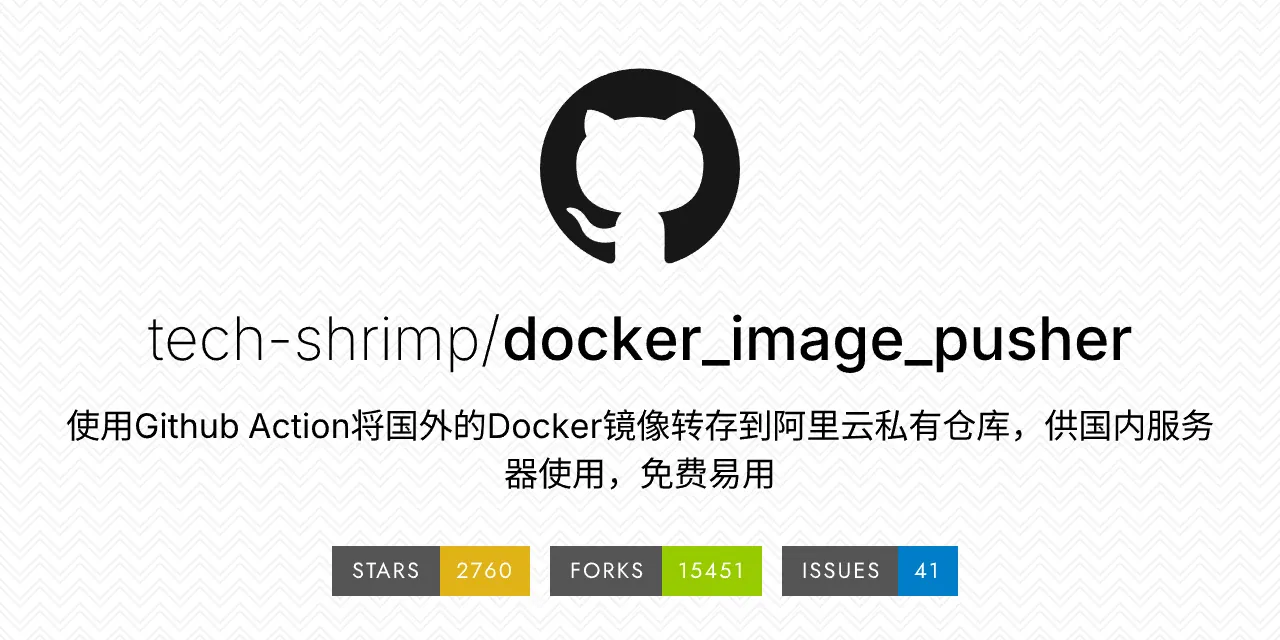
之前一直用的这个项目来中转docker镜像到阿里云,然后再给国内的服务器使用,后来发现github有点拉,而且github到阿里云经常失败。
我们恰好有一台CN2的香港杜甫,运行着团队项目使用的Gitea,本来就有Act runner,然后就想着这样管理起来方便点。
就稍微修改了一下docker.yaml,让它可以在gitea中使用。
name: Docker
on:
workflow_dispatch:
push:
branches: [ main ]
env:
ALIYUN_REGISTRY: "${{ secrets.ALIYUN_REGISTRY || vars.ALIYUN_REGISTRY }}"
ALIYUN_NAME_SPACE: "${{ secrets.ALIYUN_NAME_SPACE || vars.ALIYUN_NAME_SPACE }}"
ALIYUN_REGISTRY_USER: "${{ secrets.ALIYUN_REGISTRY_USER || vars.ALIYUN_REGISTRY_USER }}"
ALIYUN_REGISTRY_PASSWORD: "${{ secrets.ALIYUN_REGISTRY_PASSWORD || vars.ALIYUN_REGISTRY_PASSWORD }}"
DOCKER_HOST: "unix:///run/docker.sock"
jobs:
build:
name: Pull
runs-on: ubuntu-22.04
steps:
- name: Before freeing up disk space
run: |
echo "Before freeing up disk space"
echo "=============================================================================="
df -hT
echo "=============================================================================="
# 增加可用磁盘空间
- name: Maximize build space (Gitea-safe)
run: |
echo "Prune Docker to free space (no sudo)"
docker system df || true
docker builder prune -af || true
docker system prune -af || true
- name: Free up disk space complete
run: |
echo "Free up disk space complete"
echo "=============================================================================="
df -hT
echo "=============================================================================="
- name: Ensure Docker CLI
run: |
if command -v docker >/dev/null 2>&1; then
docker -v
else
if [ -f /etc/os-release ] && grep -qi 'ubuntu' /etc/os-release; then
apt-get update -y || true
apt-get install -y docker.io || true
elif command -v apk >/dev/null 2>&1; then
apk add --no-cache docker-cli || apk add --no-cache docker || true
elif command -v yum >/dev/null 2>&1; then
yum install -y docker || true
fi
command -v docker && docker -v || (echo "Docker CLI install failed" && exit 1)
fi
mkdir -p /var/run
if [ -S /run/docker.sock ] && [ ! -S /var/run/docker.sock ]; then
ln -sf /run/docker.sock /var/run/docker.sock
fi
- name: Ensure Node.js runtime
run: |
if command -v node >/dev/null 2>&1; then
node -v
else
if [ -f /etc/os-release ] && grep -qi 'ubuntu' /etc/os-release; then
apt-get update -y || true
apt-get install -y ca-certificates curl gnupg || true
curl -fsSL https://deb.nodesource.com/setup_20.x | bash - || true
apt-get install -y nodejs || true
elif command -v apk >/dev/null 2>&1; then
apk add --no-cache nodejs npm || true
elif command -v yum >/dev/null 2>&1; then
curl -fsSL https://rpm.nodesource.com/setup_20.x | bash - || true
yum install -y nodejs || true
fi
command -v node && node -v || (echo "Node install failed" && exit 1)
fi
- name: Checkout Code
uses: actions/checkout@v4
- name: Docker Setup Buildx
uses: docker/setup-buildx-action@v3
- name: Build and push image Aliyun
run: |
docker login -u $ALIYUN_REGISTRY_USER -p $ALIYUN_REGISTRY_PASSWORD $ALIYUN_REGISTRY
# 数据预处理,判断镜像是否重名
declare -A duplicate_images
declare -A temp_map
while IFS= read -r line || [ -n "$line" ]; do
# 忽略空行与注释
[[ -z "$line" ]] && continue
if echo "$line" | grep -q '^\s*#'; then
continue
fi
# 获取镜像的完整名称,例如kasmweb/nginx:1.25.3(命名空间/镜像名:版本号)
image=$(echo "$line" | awk '{print $NF}')
# 将@sha256:等字符删除
image="${image%%@*}"
echo "image $image"
# 获取镜像名:版本号 例如nginx:1.25.3
image_name_tag=$(echo "$image" | awk -F'/' '{print $NF}')
echo "image_name_tag $image_name_tag"
# 获取命名空间 例如kasmweb, 这里有种特殊情况 docker.io/nginx,把docker.io当成命名空间,也OK
name_space=$(echo "$image" | awk -F'/' '{if (NF==3) print $2; else if (NF==2) print $1; else print ""}')
echo "name_space: $name_space"
# 这里不要是空值影响判断
name_space="${name_space}_"
# 获取镜像名例如nginx
image_name=$(echo "$image_name_tag" | awk -F':' '{print $1}')
echo "image_name: $image_name"
# 如果镜像存在于数组中,则添加temp_map
if [[ -n "${temp_map[$image_name]}" ]]; then
# 如果temp_map已经存在镜像名,判断是不是同一命名空间
if [[ "${temp_map[$image_name]}" != $name_space ]]; then
echo "duplicate image name: $image_name"
duplicate_images[$image_name]="true"
fi
else
# 存镜像的命名空间
temp_map[$image_name]=$name_space
fi
done < images.txt
while IFS= read -r line || [ -n "$line" ]; do
# 忽略空行与注释
[[ -z "$line" ]] && continue
if echo "$line" | grep -q '^\s*#'; then
continue
fi
echo "docker pull $line"
docker pull $line
platform=$(echo "$line" | awk -F'--platform[ =]' '{if (NF>1) print $2}' | awk '{print $1}')
echo "platform is $platform"
# 如果存在架构信息 将架构信息拼到镜像名称前面
if [ -z "$platform" ]; then
platform_prefix=""
else
platform_prefix="${platform//\//_}_"
fi
echo "platform_prefix is $platform_prefix"
# 获取镜像的完整名称,例如kasmweb/nginx:1.25.3(命名空间/镜像名:版本号)
image=$(echo "$line" | awk '{print $NF}')
# 获取 镜像名:版本号 例如nginx:1.25.3
image_name_tag=$(echo "$image" | awk -F'/' '{print $NF}')
# 获取命名空间 例如kasmweb 这里有种特殊情况 docker.io/nginx,把docker.io当成命名空间,也OK
name_space=$(echo "$image" | awk -F'/' '{if (NF==3) print $2; else if (NF==2) print $1; else print ""}')
# 获取镜像名例 例如nginx
image_name=$(echo "$image_name_tag" | awk -F':' '{print $1}')
name_space_prefix=""
# 如果镜像名重名
if [[ -n "${duplicate_images[$image_name]}" ]]; then
#如果命名空间非空,将命名空间加到前缀
if [[ -n "${name_space}" ]]; then
name_space_prefix="${name_space}_"
fi
fi
# 将@sha256:等字符删除
image_name_tag="${image_name_tag%%@*}"
new_image="$ALIYUN_REGISTRY/$ALIYUN_NAME_SPACE/$platform_prefix$name_space_prefix$image_name_tag"
echo "docker tag $image $new_image"
docker tag $image $new_image
echo "docker push $new_image"
docker push $new_image
echo "开始清理磁盘空间"
echo "=============================================================================="
df -hT
echo "=============================================================================="
docker rmi $image
docker rmi $new_image
echo "磁盘空间清理完毕"
echo "=============================================================================="
df -hT
echo "=============================================================================="
done < images.txt
- All rights reserved.
- No part of this website, including text and images, may be reproduced, modified, distributed, or transmitted in any form or by any means, without the prior written permission of the author.
- Unauthorized commercial use is strictly prohibited.
- Unauthorized personal use is strictly prohibited.